
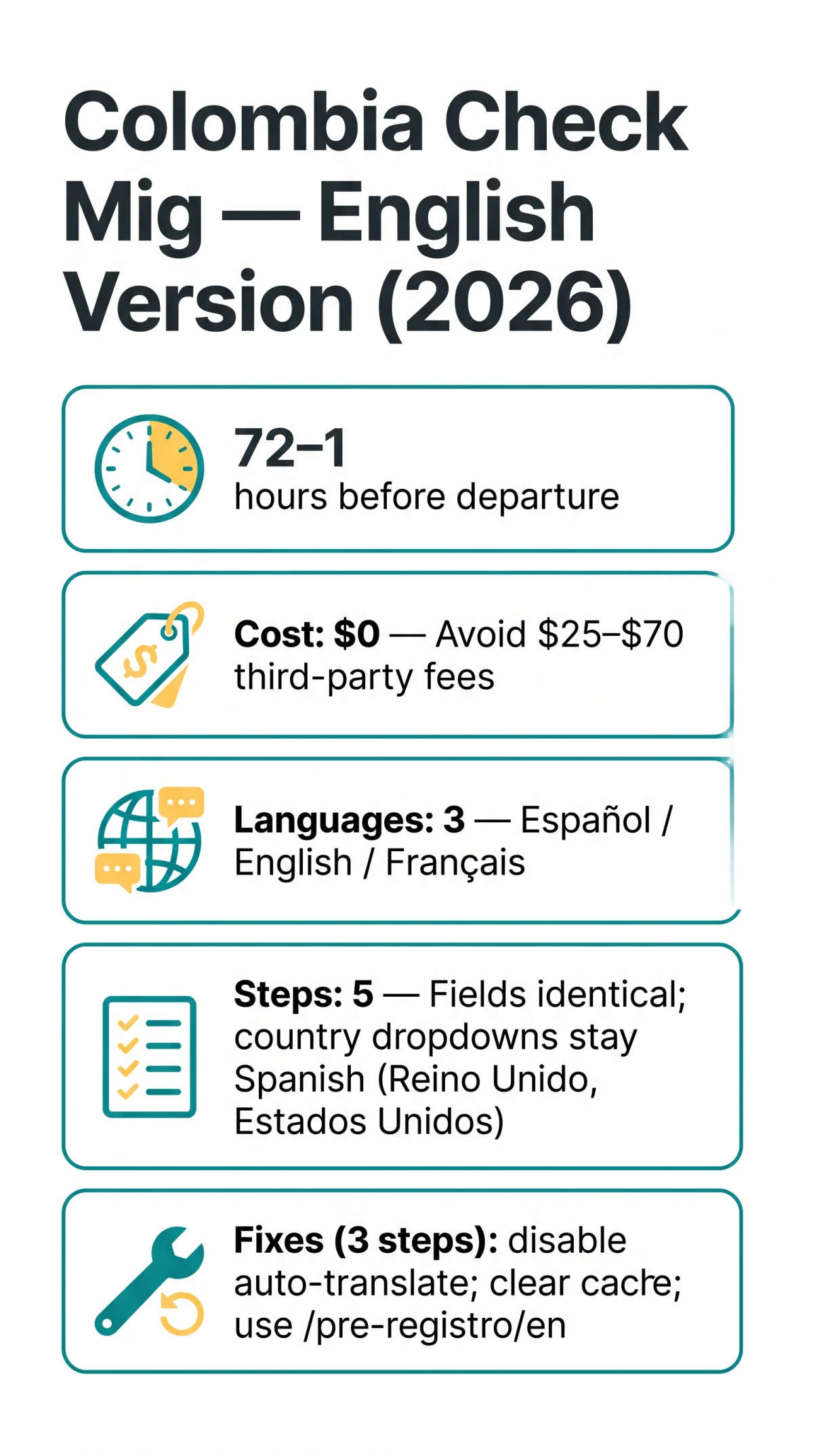
The free Colombia Check Mig English version at apps.migracioncolombia.gov.co/pre-registro/en must be submitted 72 to 1 hours before departure. The English interface mirrors the Spanish structure across all five steps, but country-name dropdowns such as “Reino Unido” and “Estados Unidos” remain untranslated. Despite a March 2025 video on Migración Colombia’s YouTube channel suggesting the form was no longer legally obligatory, airlines including Avianca and British Airways continue to enforce it at boarding gates in 2026. Browser auto-translation tools like Google Translate can break the English form’s dynamic dropdown scripts, preventing submission.
Accessing and Switching to the Colombia Check Mig English Version
Access the English version at apps.migracioncolombia.gov.co/pre-registro/en; use the drop-down selector or direct URL to switch languages. The form is free ($0). Avoid third-party sites charging $25 to $70; use only .gov.co domains with the Migración Colombia logo. Named scam examples include iVisa ($25) and Handy Visas, which misspells the country as “Columbia.” Three languages are available: Español, English, Français.
Desktop and Mobile Language Switching
Desktop selector
Locate the language drop-down in the top-right corner and select “English.”
Mobile menu
Open the hamburger menu to find the collapsed language toggle.
Fallback URL
If the selector is missing, navigate directly to the /en URL path.
Troubleshooting Auto-Translation and Cache Issues
Auto-translate breaks dropdowns; disable it, clear cache, and use the /en URL. Session timeout from inactivity can cause loss of entered travel and lodging data. Complete the Colombia Check Mig English version in one sitting or use the “Frequent Traveler” button to save progress. I tested the form myself before a trip to Bogotá in March 2026 and encountered the same dropdown issue: selecting “Reino Unido” instead of “United Kingdom” was confusing until I realised the country list remained in Spanish.
English vs Spanish Check Mig Form: Field-by-Field Comparison
The Colombia Check Mig English version shares identical fields with the Spanish version across all five steps. Section labels are in English, but dropdowns remain Spanish (e.g., “Reino Unido” for United Kingdom).

| Step | Spanish Label | English Label | Notes |
|---|---|---|---|
| 1 | Tipo de trayecto | Type of journey | Route: “I travel from Colombia” / “I travel to Colombia.” Transport: Air, Land, Maritime, Fluvial. |
| 2 | Información del viaje | Travel information | Flight type: commercial flight vs private flight. Flight number accepts numbers only (enter “107,” not “AV107”). |
| 3 | Datos personales | Personal data | Hyphenated British surnames (e.g., “O’Brien,” “Smith-Jones”) accepted; avoid accents or diacritics not on your passport. |
| 4 | Datos de hospedaje | Accommodation details | Country dropdown stays Spanish: select “Reino Unido” for UK, “Estados Unidos” for US, “Paises Bajos” for Netherlands. |
| 5 | Preguntas | Questions | Validation errors may revert to Spanish. Privacy notice modal close button remains labelled “Cerrar” regardless of interface language. |
Search the Step 4 dropdown alphabetically by the Spanish name. Validation messages on the English interface occasionally revert to Spanish; correct the flagged field and resubmit without switching the interface language.
Submitting Check Mig in English and Post-Submission Verification
The Colombia Check Mig English version generates a confirmation PDF sent to the traveller’s email, which UK departure gate agents at Gatwick or Heathrow can read and verify without translation. Keep the PDF and a screenshot as backup.
Before final submission, the form presents a consent checkbox: “I have read and authorize the processing of my personal data and, where applicable, my biometric data.” This authorises the BIOMIG system, which is voluntary and captures facial recognition and iris scans classified as sensitive data. For UK travellers, this carries GDPR relevance. According to Migración Colombia’s official BIOMIG policy, non-automated channels remain available at any time as an alternative.
Airlines continue to require the form at boarding gates in 2026. Complete the Colombia Check Mig form regardless to avoid boarding denial. If the confirmation email fails to arrive, use the “Review Checkmig” button on the start page to re-download a previously completed submission.
Last updated: 8 September 2026. Information sourced from the Migración Colombia portal (apps.migracioncolombia.gov.co) and cross-referenced with UK Foreign Office travel advice.
Colombia Check Mig English Version: FAQ
Is there an English version of the Colombia Check Mig form?
Yes, the Colombia Check Mig English version is available at apps.migracioncolombia.gov.co/pre-registro/en with a full English interface for UK travellers.
Where is the language switch located on the Check Mig form?
On desktop, the language switch is a drop-down menu in the top-right corner. On mobile, it collapses into the hamburger menu.
Does the English version have the same fields as the Spanish version?
Yes, the Colombia Check Mig English version shares an identical structure across all five steps. Country-name dropdown values like “Reino Unido” and “Estados Unidos” remain untranslated.
Why do some dropdowns remain in Spanish on the English interface?
Dynamic dropdown scripts for country names retain their original Spanish values. This is a known platform limitation; search for “Reino Unido” instead of “United Kingdom.”
What should I do if the English version keeps reverting to Spanish?
Disable your browser’s auto-translate feature, clear your browser cache, and navigate directly to the /en URL to stop persistent Spanish redirects.
Is the Colombia Check Mig form still required in 2026?
Despite a 2025 video suggesting the form was no longer legally obligatory, airlines continue to enforce it at boarding gates in 2026. Complete it to avoid boarding denial.
Does the Check Mig form cost money to complete?
No, the Colombia Check Mig form is completely free. Third-party sites may charge up to $70, but these are scams. Always use the direct Migración Colombia portal.
What is the BIOMIG system on the Check Mig form?
BIOMIG is a voluntary biometric data system used by Migración Colombia for identity verification. By checking the consent box, you authorise processing of facial recognition and iris scans. UK travellers can decline and use non-automated immigration channels instead.